During Finals week, the worst thing could have happened to me: my laptop broke. Specifically, the charging port on my old laptop stopped working. This meant my laptop stopped charging, and I couldn’t study for for my exams from my laptop. I had my pc, so I used that, but leaving my apartment to study with friends was impossible. I stuck though it, and then finally after break, I had time to try and repair my laptop.
My Previous Laptop
My previous laptop was the Samsung Galaxy Book Flex 2 Alpha, which I bought in 2021 in the tail end of high school. For the last 4 years, it has served me great in running all different kinds of software and simulators as an engineer, and even went out of the US with me when I went to Costa Rica, but finally, the charger broke.
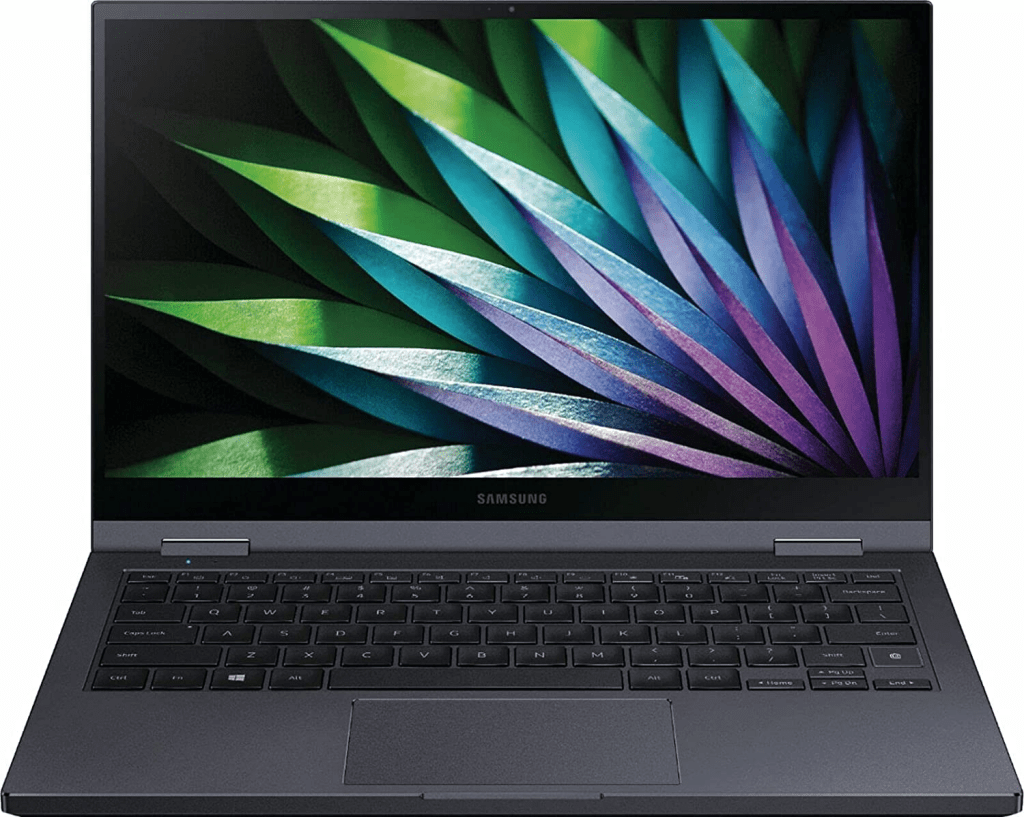
But my laptop wasn’t just going down without a fight. If I could try replacing the charging port myself and get it fixed, then I wouldn’t have to buy a new laptop! So begins the difficult charging port replacement.
Looking at this from a problem solving angle, there are a couple points of failure for the charging issue. It could be the charging port, the motherboard traces, and the chip that regulates the charging. The charging port is the port that plugs directly to the charger and is easy to remove from the board. The other two, the traces which is the path power is guided though the computer and the chip that reguates the power, can’t be replaced easily. If I had to replace the board, it would cost over $400, so if this ended up being the issue, I would much rather buy a new laptop. So the best way to test this is to replace the charging port, and then see if that fixes the issue.
Replacing the Port
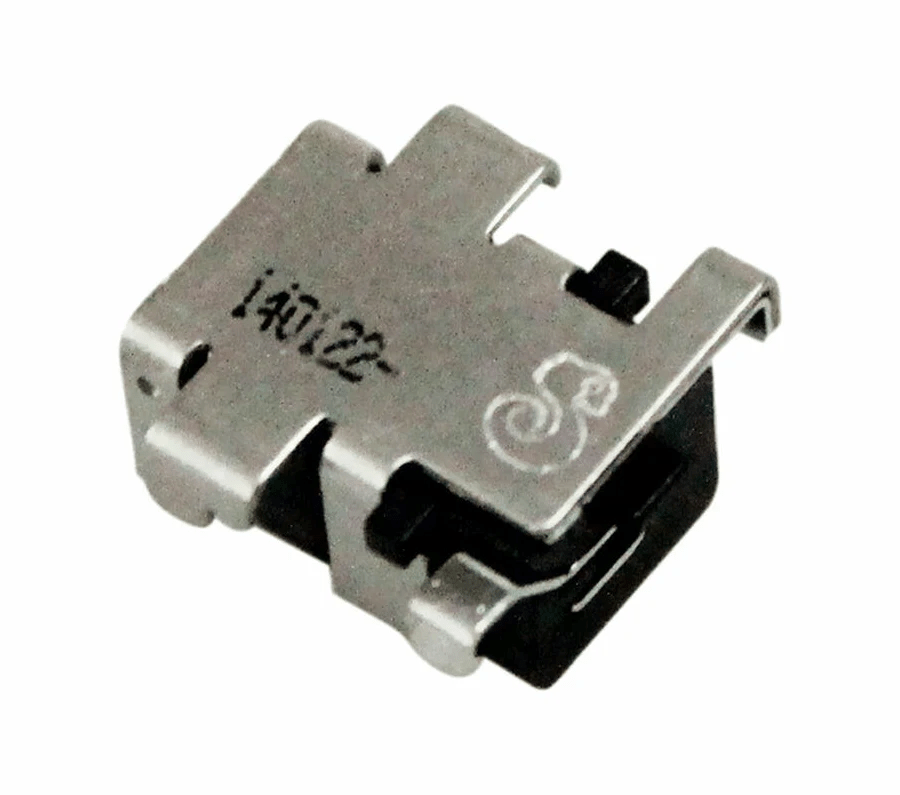
I ended up buying a replacement port from amazon, and eventually also a solder board to remove the port. if you look at the board, the charging port is soldered on with though holes. This means the prongs go though the board and then solder is applied. This makes it easy to remove with a soldering iron. Then I went though with the soldering process.
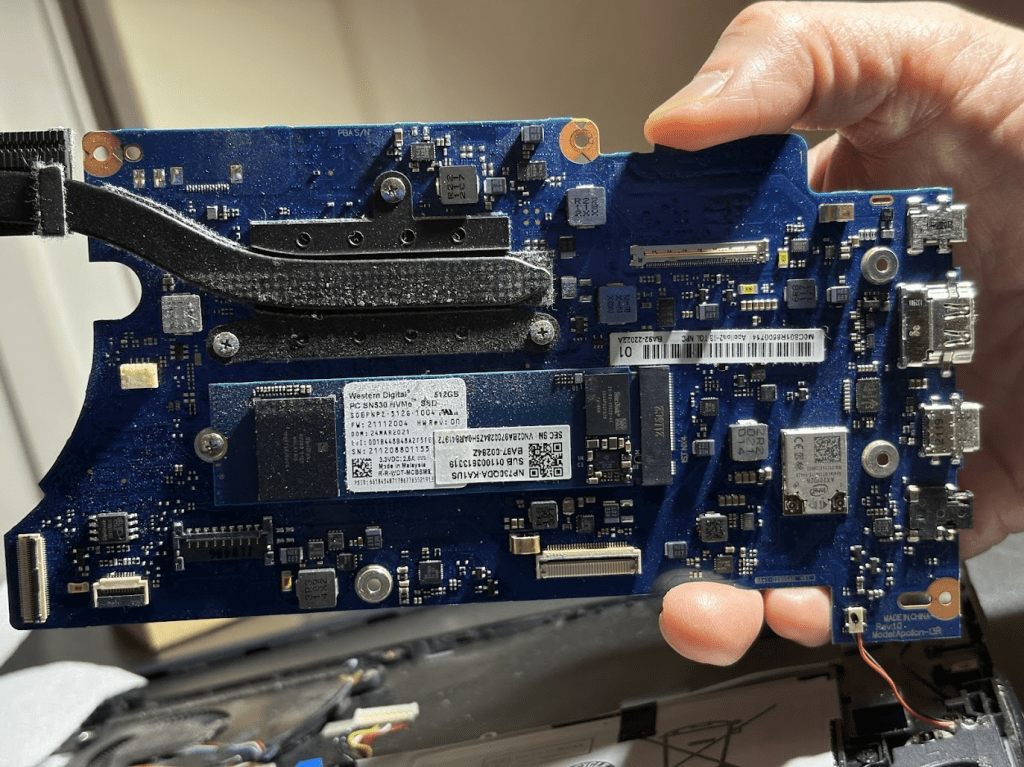
Something I didn’t realize was that the solder was actually hard to get off. I am not sure, but apparently new electronics use solder that is lead free and also have an insanely high melting point. So after a couple hours of trying to remove the solder unsuccessfully, my dad ended up ripping the port out, which bent the board :(. After this, I kind of knew the it was over with the board. Anyways, I tested it out and it didn’t work.
Analysis
Looking over the process, there were two possible points for the reason why it still didn’t charge. The first one was that the port wasn’t the issue. We installed a new port that we know worked, so it could have been something else. The second point was that we bent the board, which could have caused an issue with the trace which could have caused a new issue. Because of this. I am not really sure what the problem could have been so…
New Laptop
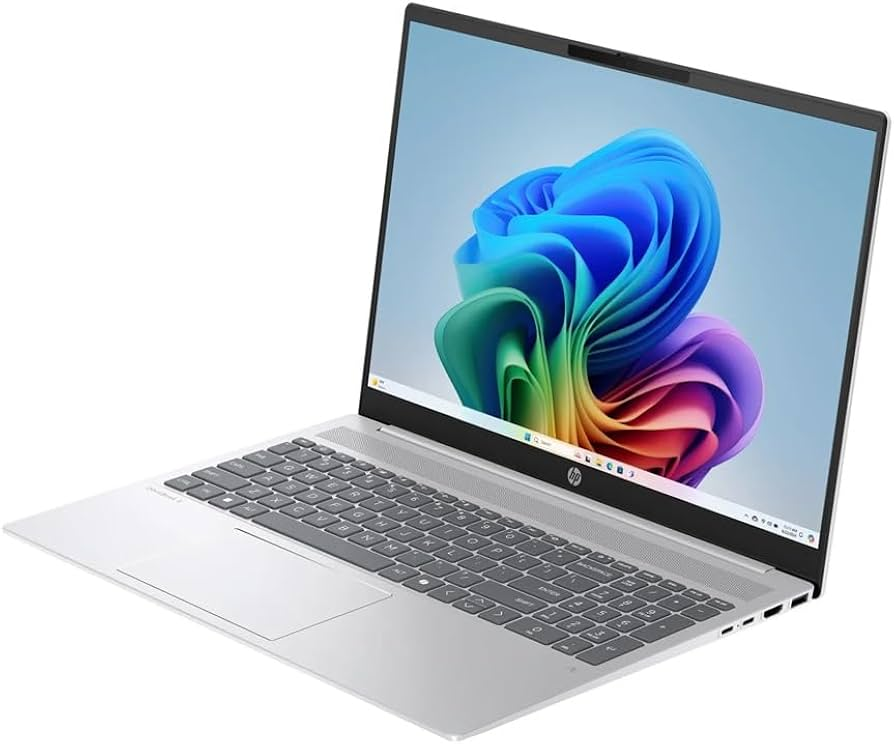
Looking at different laptop choices, I finally decided on buying the HP OmniBook 5 AI. The reason why was because of the sale and the Snapdragon Processor. There was a sale on this laptop because HP and the store I was buying it at, Microcenter, we’re clearing out stock for this year’s model. This made it so I could get the laptop at an insane discount. I bought the laptop for only around $550, which was cheaper than the regular price of $950! I also chose this because of the Snapdragon processor. This was a super lightweight processer that is fast and power efficient. This means for an equivalent intel cpu, I could get more battery life for the same power. the only issue is that the infrastructure the cpu uses is more similar to phone processors than regular laptop processors, so certain apps might not support the processor. Besides this downside, I hope that this laptop will last me as long as my old laptop, and I am excited to use it more!
 Austin's Finds
Leave a comment